
What you need for a home golf simulator? | SPORTS ANT Guide
Setting up a home golf simulator requires careful planning. This guide covers essential components including projector, screen, hitting mat, sensors, and software. Consider space requirements and your budget. SPORTS ANT provides top-quality digital sports equipment for a High Quality golfing experience.
What You Need for a Home Golf Simulator?
Setting up a home golf simulator can seem daunting. This article clarifies the essential components, helping professionals in the digital sports equipment industry quickly grasp the key requirements for a successful installation.
Essential Hardware Components for Your Home Golf Simulator
* Projector: A high-resolution projector is crucial for sharp image quality. Look for features like high lumens (brightness) for a well-lit image, even in daylight conditions. Consider short-throw projectors to maximize space efficiency. *(Source: ProjectorCentral.com - for projector buying guides)*
* Impact Screen: The screen absorbs impact and provides a realistic putting surface. Choose a screen material based on your space and budget; options range from impact-resistant fabrics to high-end, professional-grade materials that are designed to handle high-velocity shots. *(Source: Various golf simulator screen manufacturers' specifications)*
* Hitting Mat: A high-quality hitting mat mimics the feel of grass. Consider factors like thickness, durability, and realistic turf simulation. *(Source: Review articles on golf simulator mats from reputable golf publications)*
* Sensors: Accurate sensors are vital for tracking ball speed, launch angle, spin rate, and club path. Popular options include TrackMan, Foresight Sports GCQuad, and SkyTrak, each offering different levels of precision and features. *(Source: Manufacturer websites for TrackMan, Foresight Sports, and SkyTrak)*
* Computer: A powerful computer is needed to run the simulation software. Minimum specifications will vary depending on the chosen software, but generally a high-end gaming PC is recommended. *(Source: System requirements listed on golf simulator software websites)*
Software and Setup Considerations
* Golf Simulation Software: Software choices range from highly realistic simulators (e.g., The Golf Club 2019, PGA Tour 2K23) to more basic training aids. Choose software based on your needs and budget. *(Source: Software vendor websites)*
* Space Requirements: Accurate measurements of your space are crucial for projector placement and screen size. Ensure enough space for your full swing without hitting walls or furniture. *(Source: General home improvement and space planning resources)*
* Calibration and Setup: Proper calibration is essential for accurate readings. The manual will help guide you, but professional installation may also be considered. *(Source: Installation guides provided with golf simulator equipment)*
* Budget: Home golf simulators can range in price from a few thousand dollars to tens of thousands, depending on the quality of components and software chosen. *(Source: Price comparisons from online retailers specializing in golf simulator equipment)*
Enhancing Your Home Golf Simulator Experience
* Additional Accessories: Consider accessories such as a launch monitor for enhanced data analysis, environmental elements (fans, lighting), and a comfortable seating area to maximize enjoyment. *(Source: Various golf equipment retailers)*
* Regular Maintenance: Keep your equipment clean and properly maintained to prolong its lifespan and ensure accurate readings. *(Source: Manufacturer maintenance instructions for golf equipment)*
This guide provides a comprehensive overview of the components needed for a home golf simulator. Remember to research each component thoroughly to choose the best option for your needs and budget. Contact SPORTS ANT for High Quality digital sports equipment and expert advice.
How big of a building do I need for a golf simulator? | SPORTS ANT Guide
How much does it cost to set up a golf simulator at home? | SPORTS ANT Guide
How does laser maze work? | SPORTS ANT Guide
Can you wear jeans indoor rock climbing? | SPORTS ANT Guide
Do you use real golf balls with a golf simulator? | SPORTS ANT Guide

2024 Asia Amusement & Attraction Expo (AAA for short) is the Asian Amusement and Entertainment Expo
Leave a message
Connect with us to schedule a consultation, request samples, or arrange a site visit to see our facilities and capabilities firsthand.
Reach out to us via phone, email, or through the contact form below, and we'll get back to you promptly within 24 hours.
* Rest assured that your privacy is important to us, and all information provided will be handled with the utmost confidentiality.
You may also like
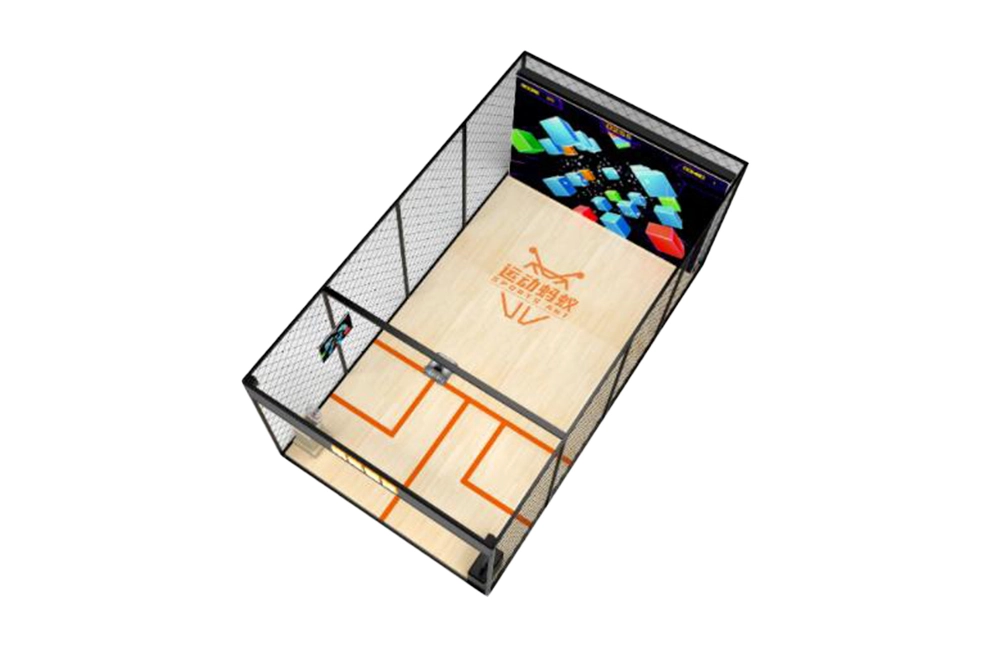
Squash Game Simulator
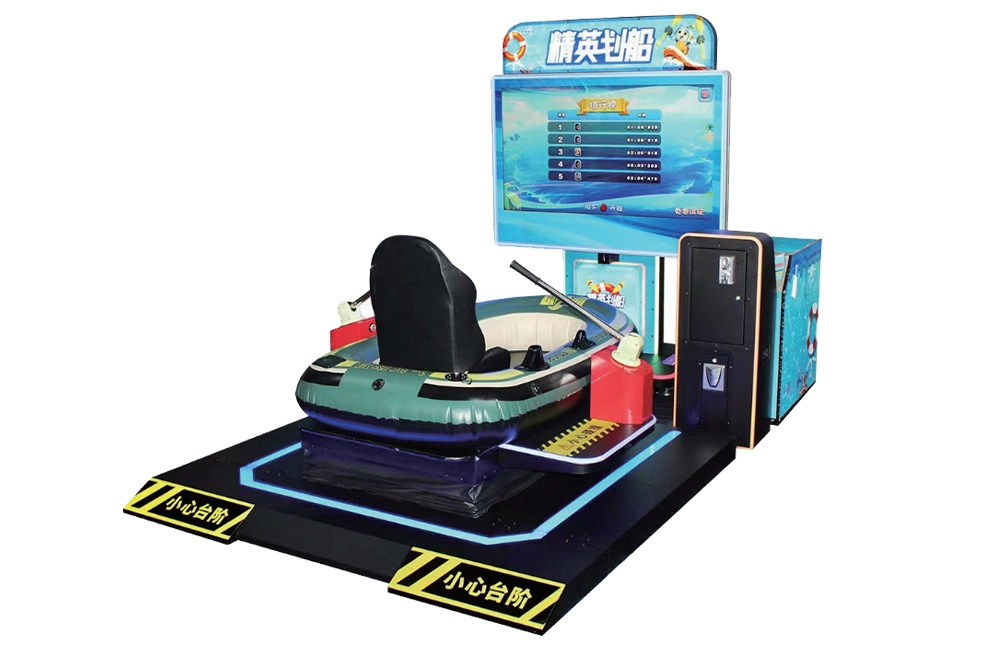
Boating driving simulator
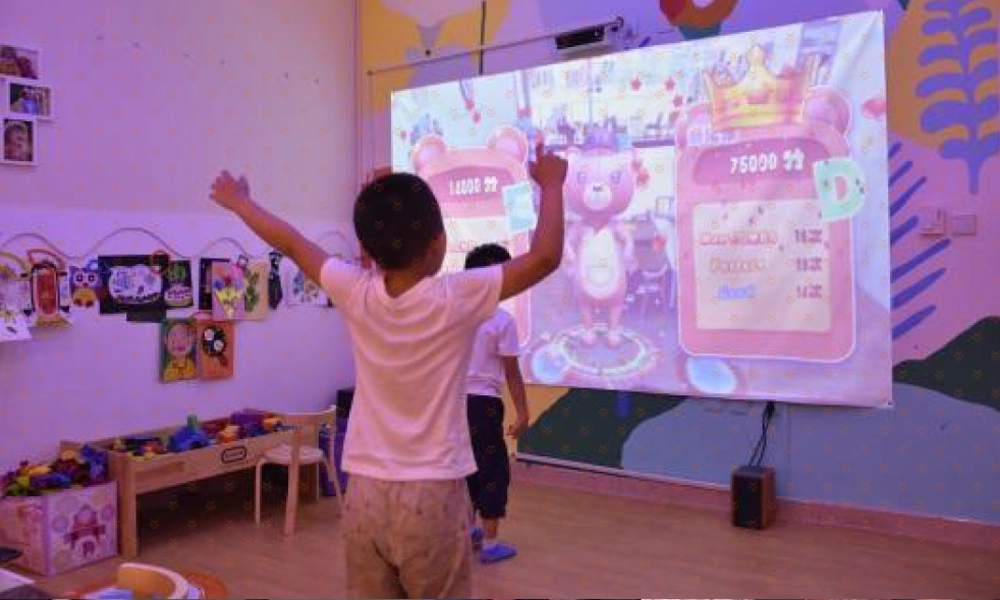
AR Dancing
AR Dancing, "Dancing Baby" is a music rhythm game. Compared with traditional electronic games, the biggest difference is that this game is the first to use somatosensory command recognition TXM technology. It uses high-precision giant pictures and cool special effects. Gameplayer follow the dynamic rhythm. By imitating the dance movements of the lead dancer in the game screen, the purpose of interactive games can be achieved, and two people can compete on the same stage.
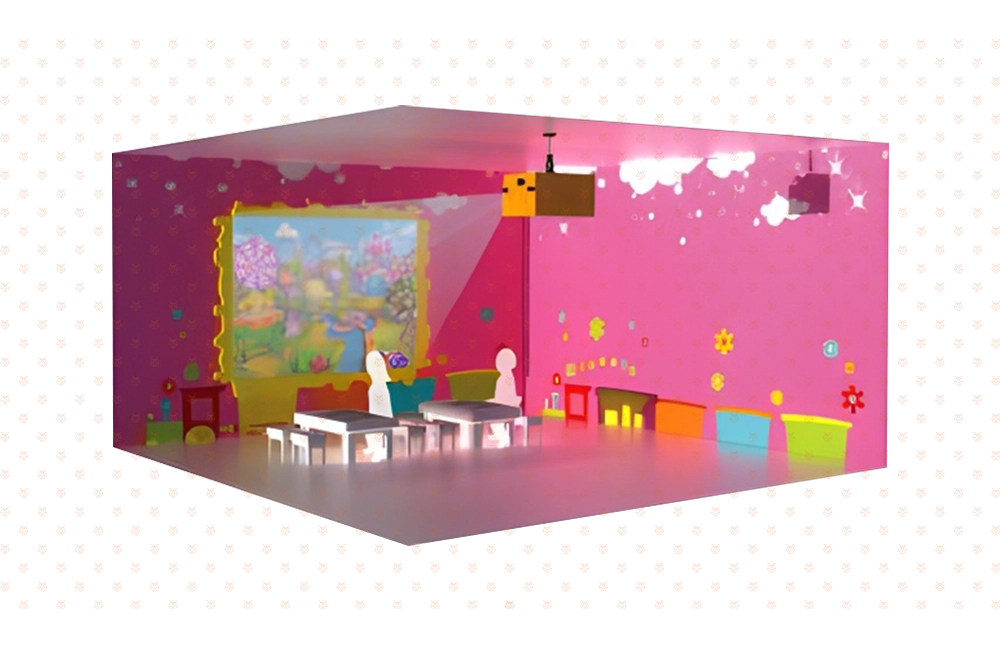
AR Touchscreen Painting
AR Touchscreen Painting is an interactive three-dimensional cultivation game composed of a graffiti terminal and an interactive terminal. Children can paint the animals with their favorite colors on the graffiti terminal, and then submit it to the interactive terminal. In this way, the animals created by the children are given "life" and can move freely in the scene, and can also move freely in the scene. You can interact with small animals. This game fully develops children's creative thinking and perception of nature, and also allows them to experience the magical charm of creating "life"
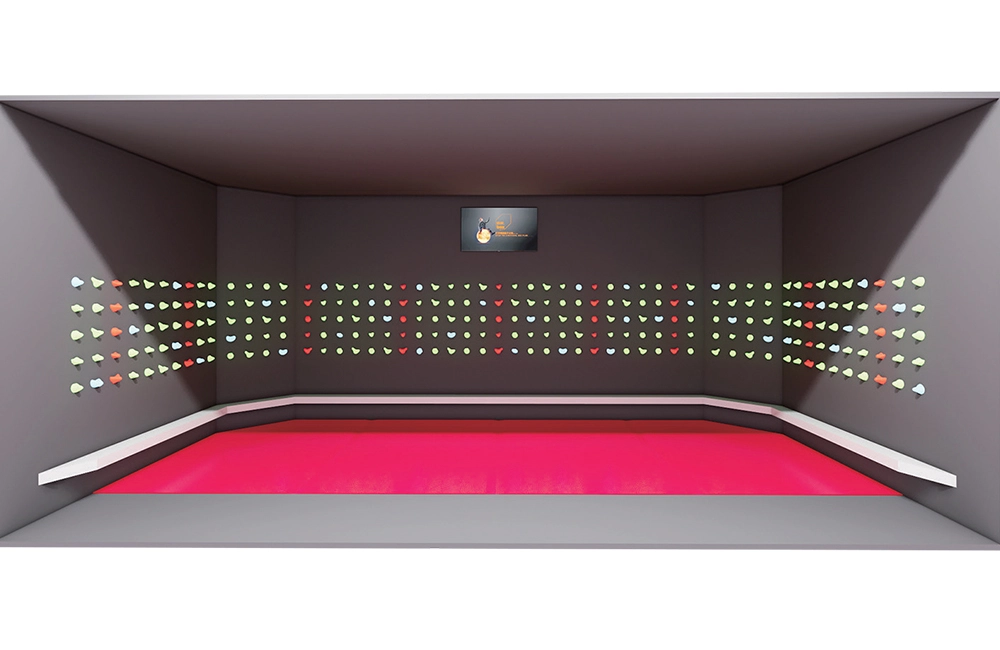
Indoor Interactive Rock Climbing
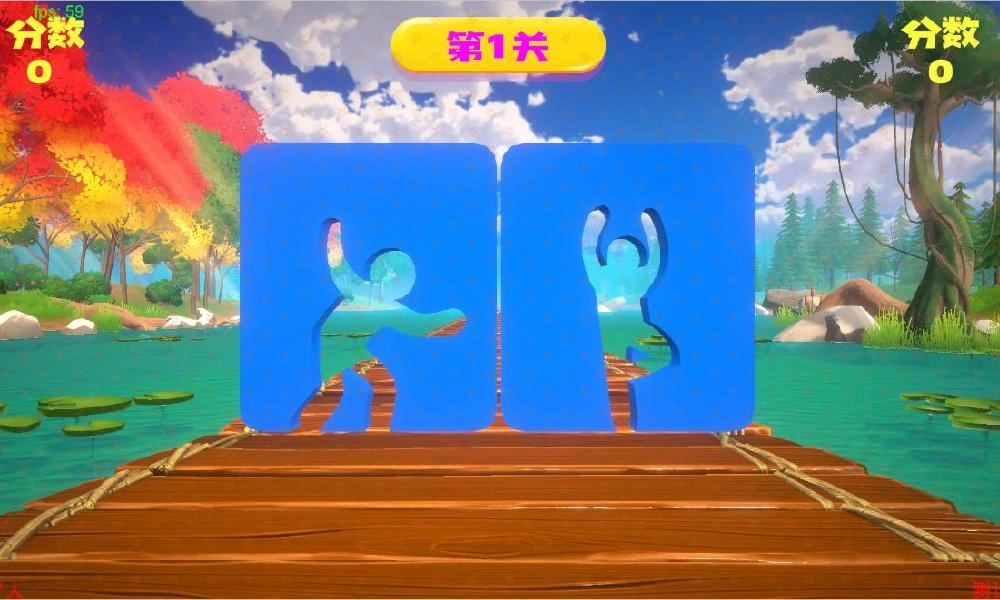
AR Body Sensor Game
Somatosensory Star is the latest somatosensory interactive projection equipment launched by our company. Its background stems from growing market demand and an in-depth analysis of existing products. We found that existing somatosensory projection interactive devices still need to be improved in terms of diversity and functionality, especially in terms of game immersion and graphics. Therefore, we decided to develop a somatosensory device that integrates sports and entertainment to meet these needs. The core goal of the product: Our goal is to provide users with more elements, more beautiful graphics, and a more immersive somatosensory gaming experience through this device.
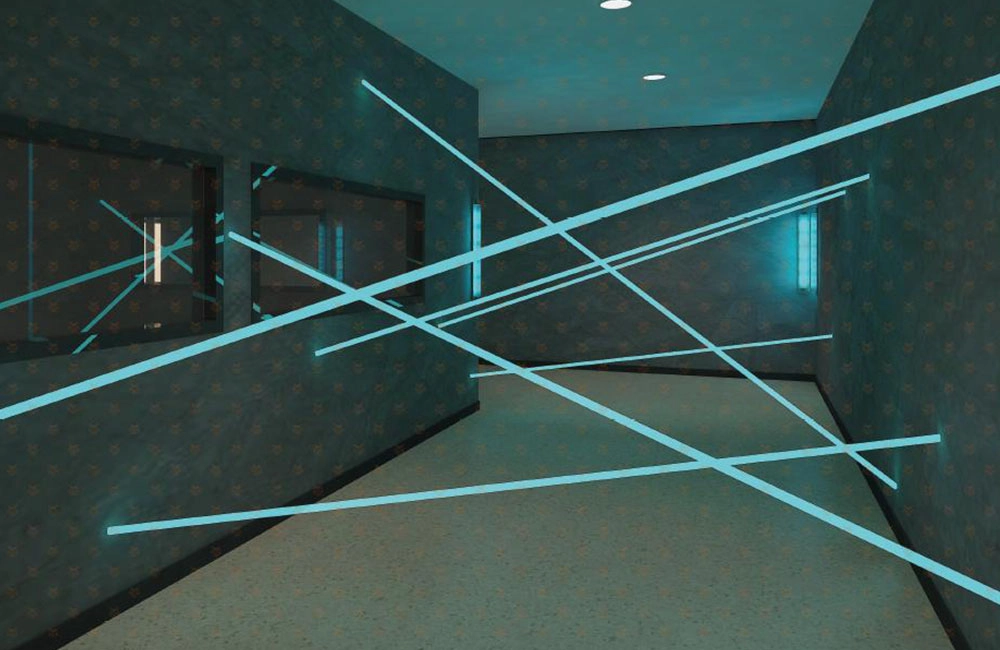
Laser game room
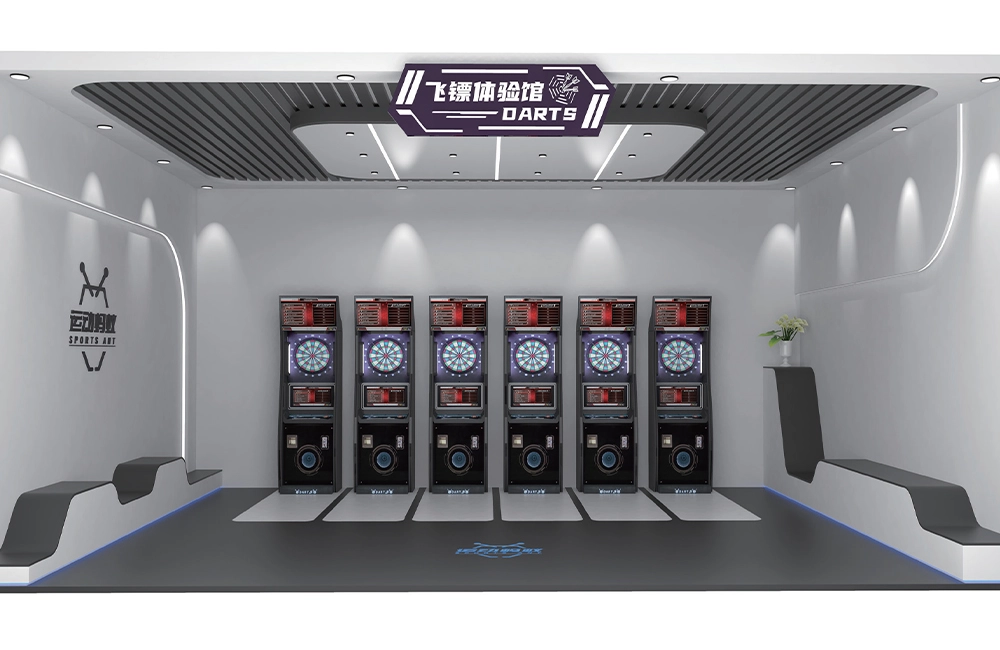
Electronics Darts Machine
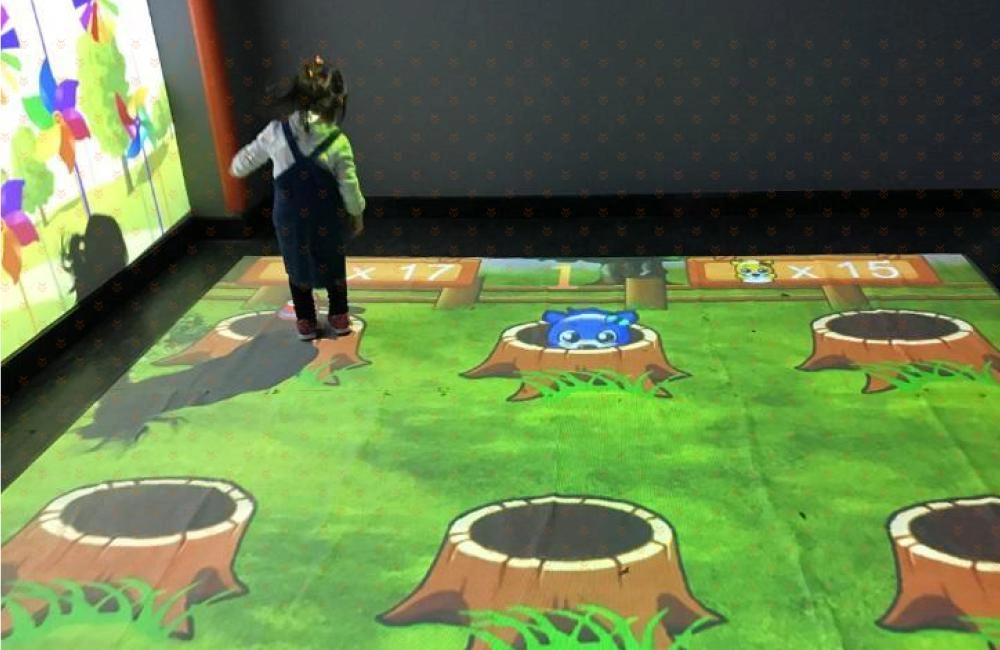
AR floor interactive game
AR floor interactive game uses a projector to project game images on the ground, and uses motion capture technology to achieve real-time interaction between people and dynamic images on the ground. When children walk through the interactive area, various interactive effects will change accordingly with your footsteps, creating unexpected light and shadow effects.
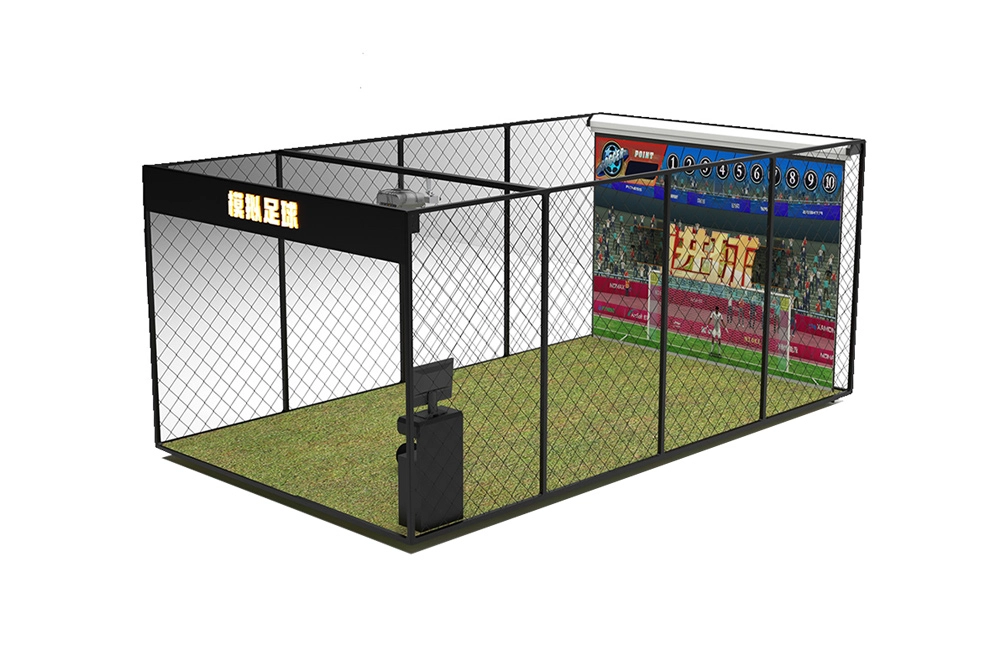
Interactive Soccer Simulator
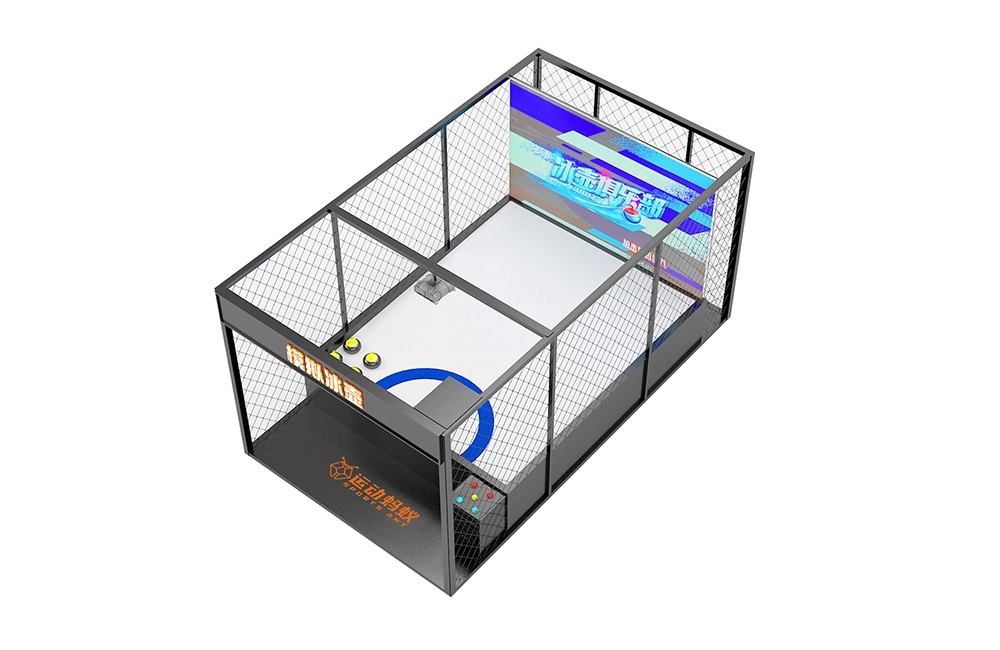
Curling Simulator (Double Player Exclusive Edition )
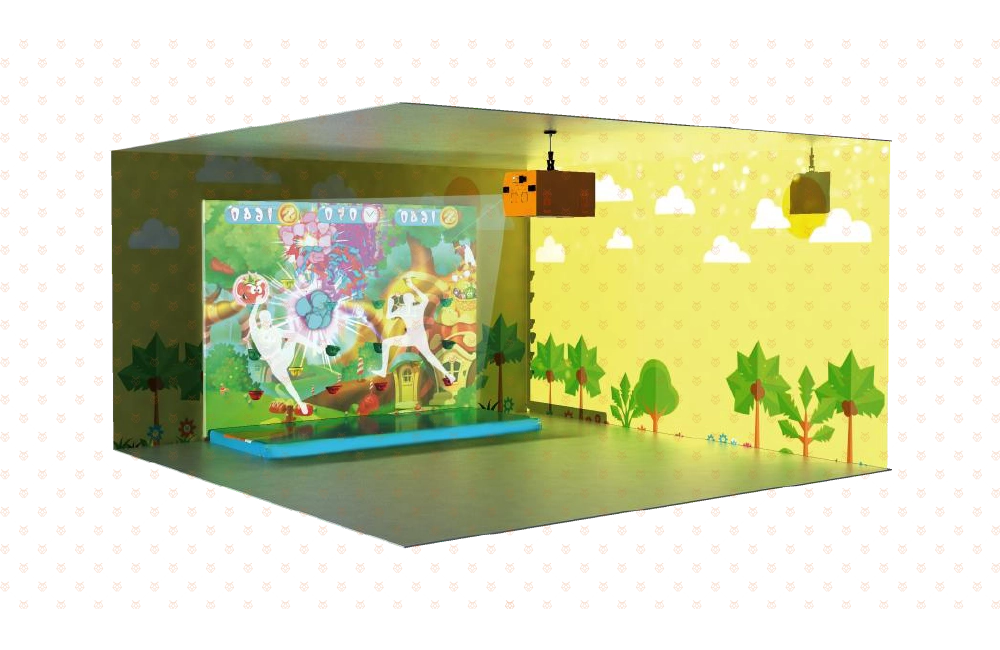
AR Rock Climbing
This game is an interactive rock climbing game that uses a projector to project the game on the climbing wall, and combines motion capture technology and AR augmented reality technology to achieve entertainment, puzzle, interaction and fitness. When children are rock climbing, they can also participate in a variety of educational interactive games, which not only exercise their physical coordination ability using both hands and feet, but also cultivate their spirit of not being afraid of hardships and obstacles and having the courage to challenge!
SPORTS ANT is a digital sports equipment enterprise that integrates the research and development, production, sales, and service of commercial digital sports and entertainment equipment. And implement the planning, design, construction, operation, and investment of the digital sports hall. More about us >>
© 2024 SPORTS ANT ALL RIGHTS RESERVED
bigantmeta
sportsantmeta
sportsantmeta
bigantmeta
Whatsapp: +8618028525450