
Can you watch TV on a golf simulator? | SPORTS ANT Guide
Can you watch TV on your golf simulator? SPORTS ANT explores different setups and how to integrate a TV. Discover the benefits and drawbacks of incorporating TV viewing into your practice. Consider your simulator's capabilities and prioritize focused practice for optimal results.
Can You Watch TV on a Golf Simulator? SPORTS ANT
Many golfers wonder if they can enhance their simulator experience by watching TV while practicing their swing. This article explores the possibilities and practical considerations of integrating TV viewing into your golf simulator setup.
This article will explore different golf simulator models and their capabilities related to TV integration. We will discuss the various methods of adding a TV to your setup, addressing the potential benefits and drawbacks.
Integrating a TV with Your Golf Simulator
The ability to watch TV on your golf simulator depends largely on the specific model and its features. Some high-end systems offer built-in screen integration or dedicated screen spaces, allowing you to effortlessly multitask. Others may require an external solution, such as connecting a separate TV via HDMI or other compatible ports. Before purchasing a golf simulator, check its specifications for TV compatibility.
Methods for Adding a TV
* Built-in Screen: Some premium golf simulators have a built-in screen, usually larger than a standard TV, displaying both the golf simulation and TV content simultaneously –often in a split-screen view. This option provides a seamless and integrated experience.
* External TV Connection: Most simulators allow external connections. Check the available ports (HDMI, VGA) to ensure compatibility with your TV. You'll need to manage the screen switching between the simulator software and the TV signal using the remote control or the simulator's software interface.
* Dedicated Media Space: A few sophisticated systems incorporate a dedicated area or screen solely for entertainment, ensuring that the gameplay isn’t disrupted. This setup usually requires some customization or extra professional installation.
Benefits and Drawbacks
Benefits: Watching TV while warming up on the golf simulator can make practice sessions more enjoyable and less monotonous.
Drawbacks: Distraction is the biggest potential downside. Focusing on the TV could negatively impact your golf swing and practice effectiveness. Additionally, if not carefully managed, setting up an external TV can affect the overall aesthetics and functionality of your simulator room.
Choosing the Right Setup
Ultimately, the decision of whether to incorporate TV viewing into your golf simulator experience depends on individual preferences and priorities. Consider how much you value entertainment versus focused practice. Carefully assess your simulator's capabilities and your budget when planning your setup. A well-integrated system enhances the experience, whereas a poorly integrated setup can detract from it. Remember to prioritize your golf practice for optimal improvement.
How long does it take to see results from indoor cycling? | SPORTS ANT Guide
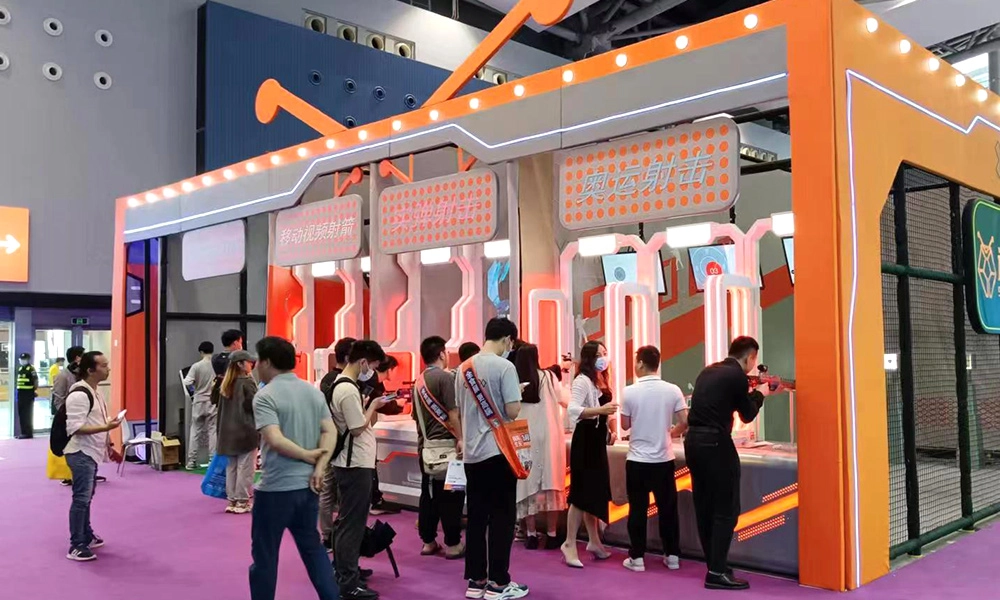
The 39th China International Amusement Facilities
What is the best affordable table tennis robot? | SPORTS ANT Guide
Do you hit a real ball in a golf simulator? | SPORTS ANT Guide
how to simulate a rowing machine at home | SPORTS ANT Guide
What is a simulation in soccer? | SPORTS ANT Guide
Leave a message
Connect with us to schedule a consultation, request samples, or arrange a site visit to see our facilities and capabilities firsthand.
Reach out to us via phone, email, or through the contact form below, and we'll get back to you promptly within 24 hours.
* Rest assured that your privacy is important to us, and all information provided will be handled with the utmost confidentiality.
You may also like
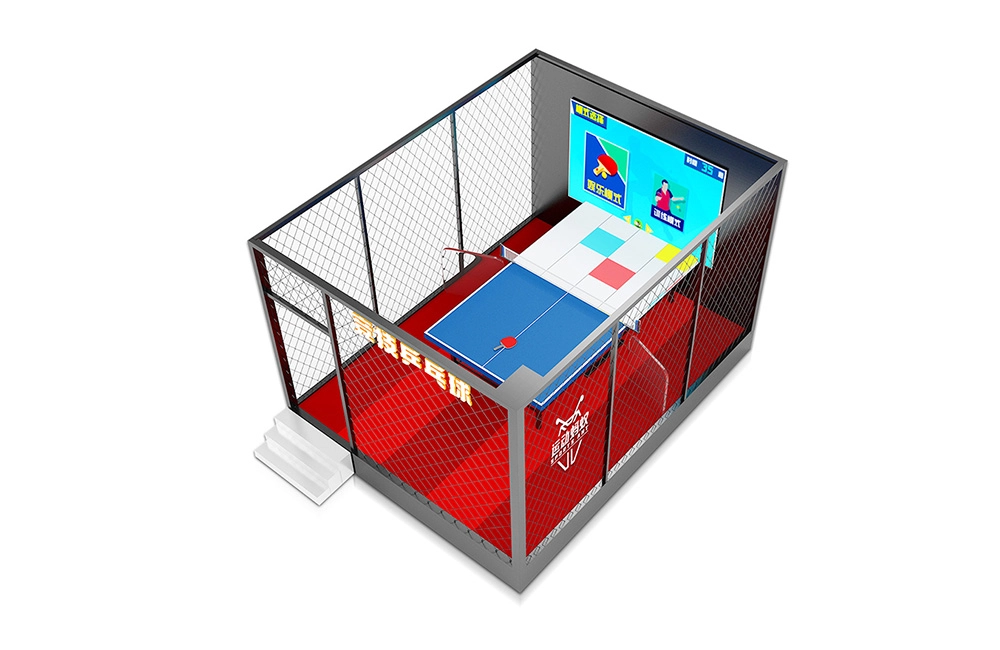
Table Tennis Game Machine
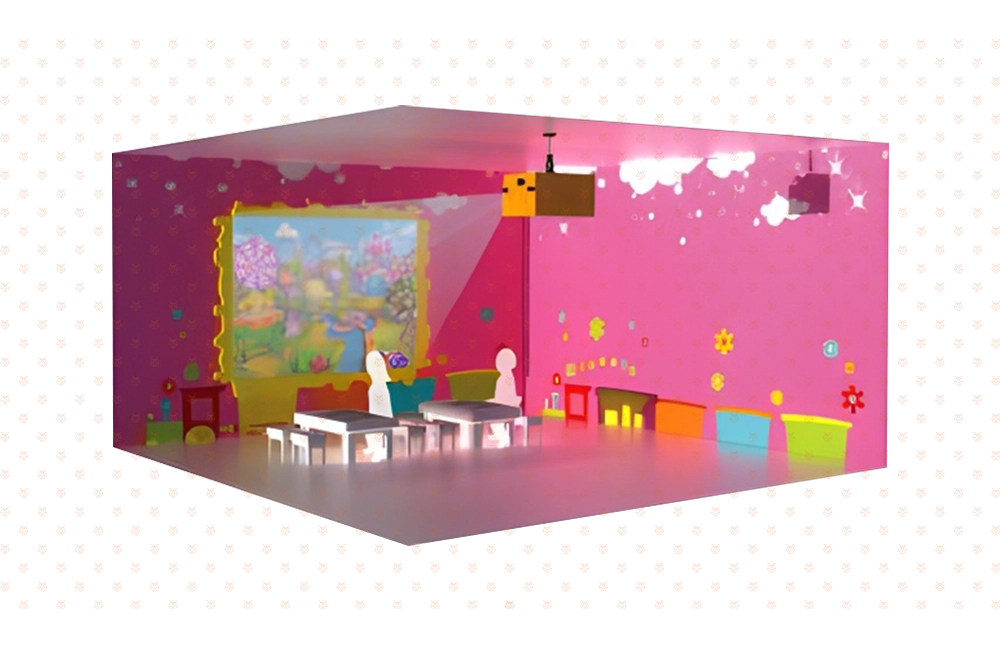
AR Touchscreen Painting
AR Touchscreen Painting is an interactive three-dimensional cultivation game composed of a graffiti terminal and an interactive terminal. Children can paint the animals with their favorite colors on the graffiti terminal, and then submit it to the interactive terminal. In this way, the animals created by the children are given "life" and can move freely in the scene, and can also move freely in the scene. You can interact with small animals. This game fully develops children's creative thinking and perception of nature, and also allows them to experience the magical charm of creating "life"
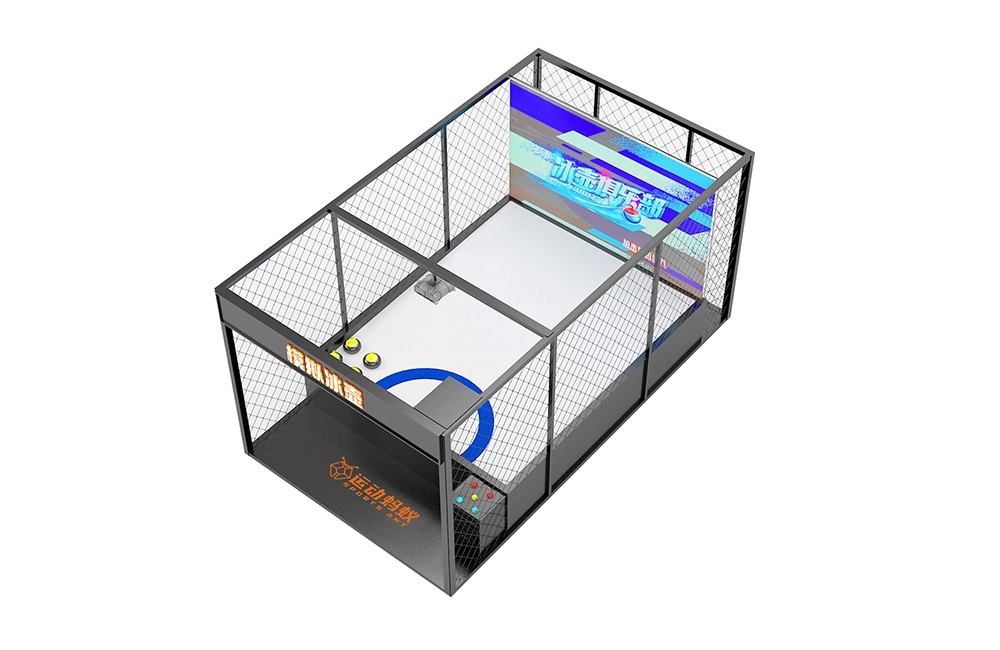
Curling Simulator (Double Player Exclusive Edition )
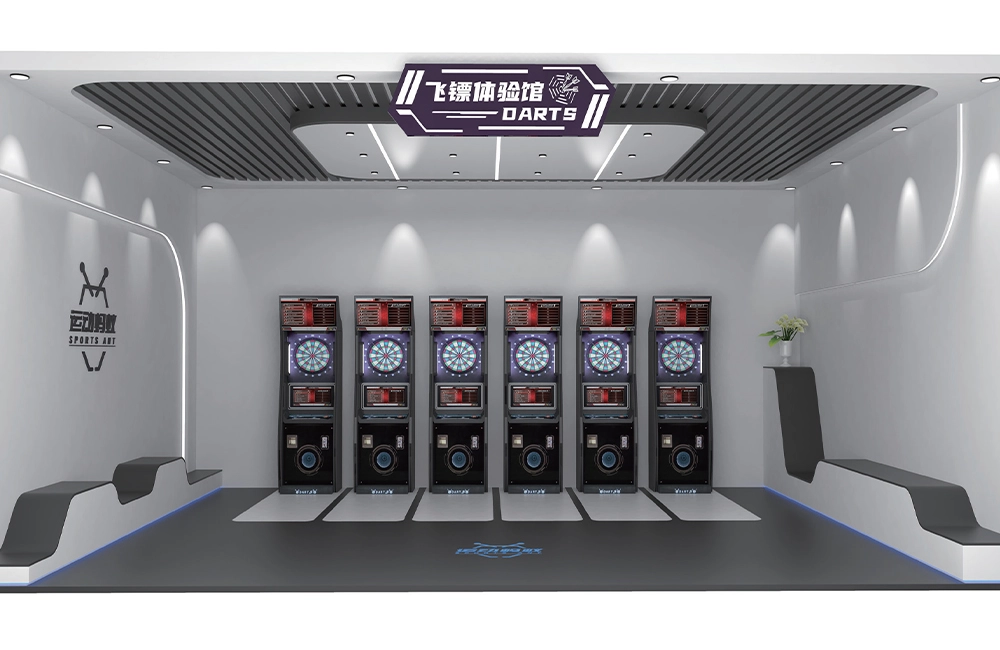
Electronics Darts Machine
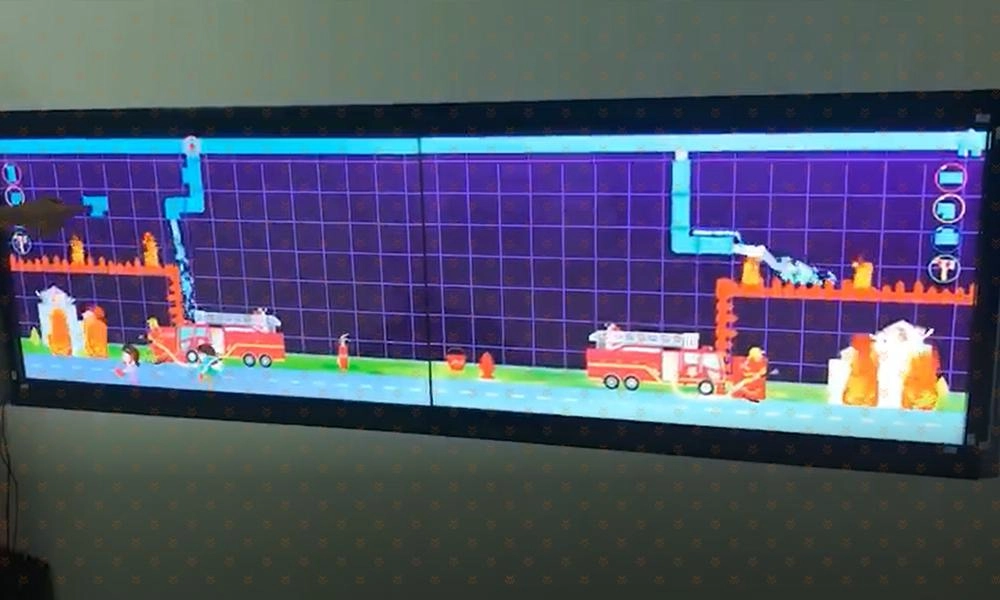
AR laboratory Game
It is a multi-point interactive game-based educational product. The product digitizes traditional obstacle games, allowing children to freely create graphic structures through established props or custom graffiti, guiding water flow to produce diverse interactive effects, allowing children to improve their creativity and hands-on abilities during exploration.
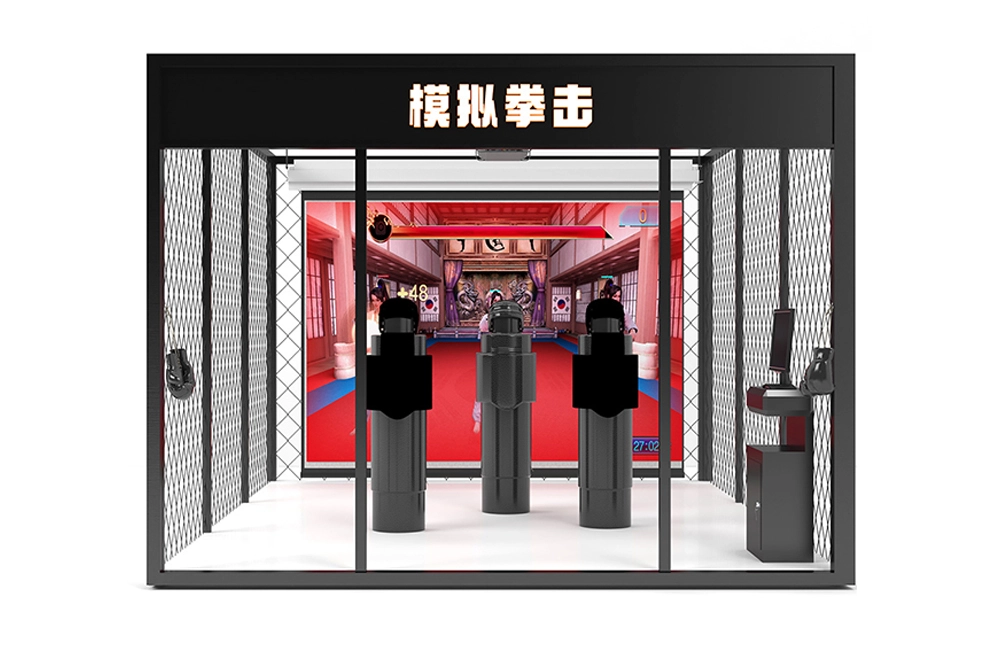
Boxing And Kungfu Simulator
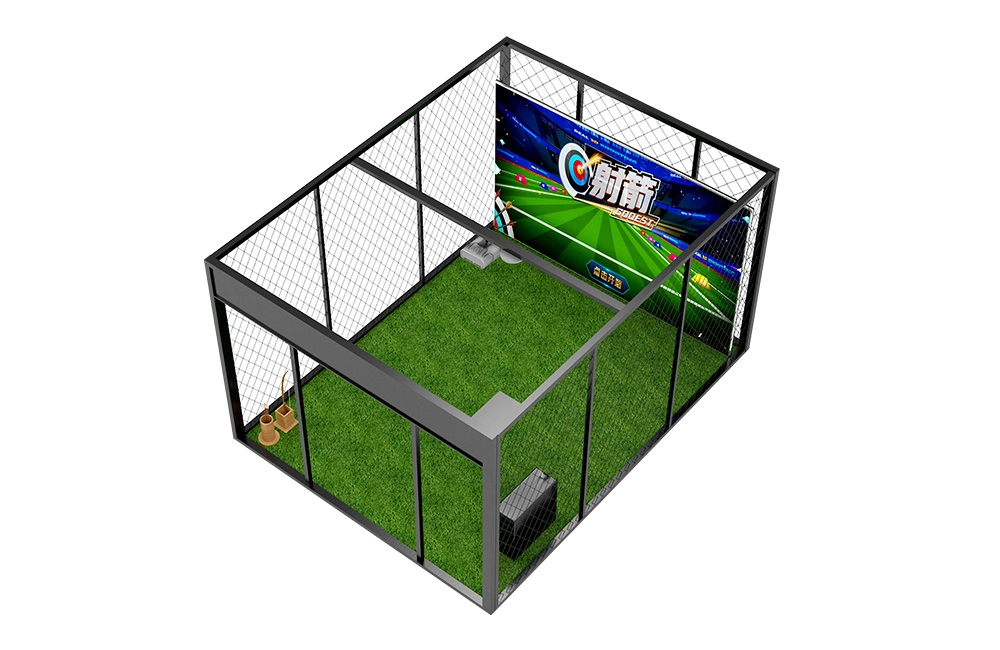
Video Archery Simulator
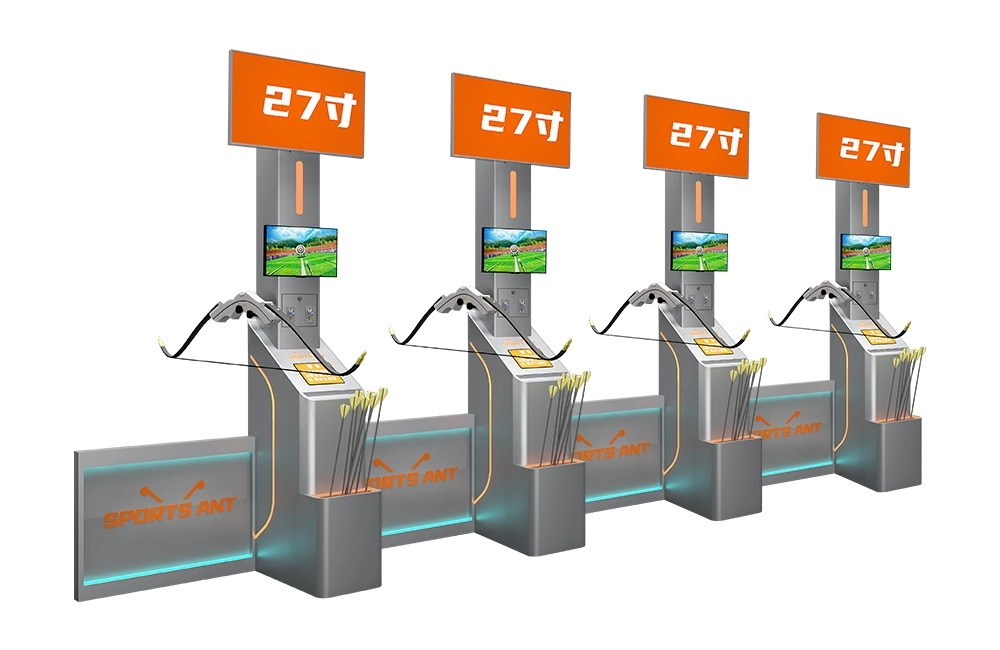
Moveable Target Archery (Upgraded Version)
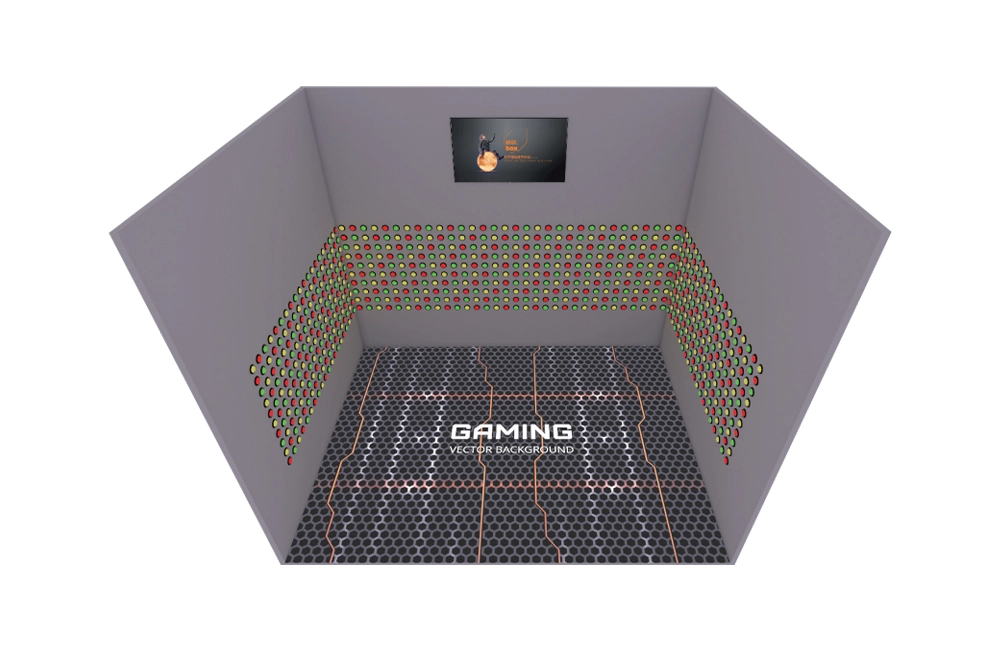
Extreme Challenge

AR Magic Music Wall
Magic Wall is a product that combines real-life sketches and AR interaction. Just tap or slide on the corresponding simple drawing, and the simple drawing will instantly appear with cool and wonderful animation effects and sound effects. Ordinary simple drawings present amazing and wonderful effects through children's physical interaction, allowing them to experience the creativity brought by technology.
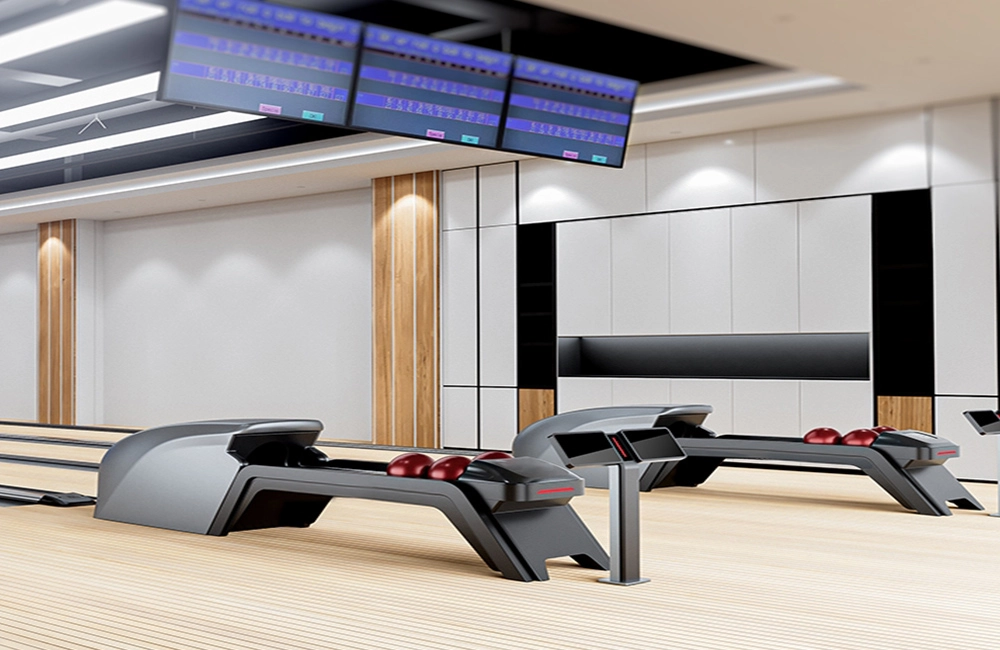
Wooden Floor Standard Bowling Alley For Adults
Discover the SPORTS ANT Wooden Floor Standard Bowling Alley for Adults, expertly crafted for exceptional gameplay. As a leader among bowling equipment manufacturers and 10-pin bowling equipment suppliers, we offer premium bowling alley equipment designed for durability and performance. Perfectly suited for enthusiasts seeking a professional experience.
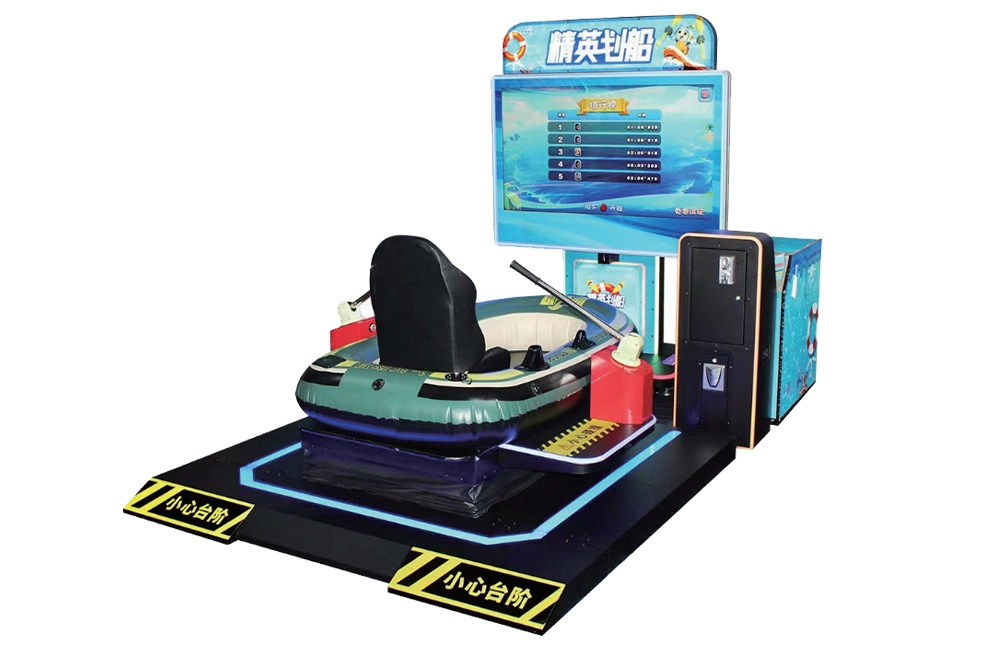
Boating driving simulator
SPORTS ANT is a digital sports equipment enterprise that integrates the research and development, production, sales, and service of commercial digital sports and entertainment equipment. And implement the planning, design, construction, operation, and investment of the digital sports hall. More about us >>
© 2024 SPORTS ANT ALL RIGHTS RESERVED
bigantmeta
sportsantmeta
sportsantmeta
bigantmeta
Whatsapp: +8618028525450