
Is a laptop or desktop better for golf simulator? | SPORTS ANT Guide
Laptop or desktop for your golf simulator? This guide compares processing power, software compatibility, portability, and budget to help digital sports equipment professionals make the best choice for their needs. High-performance desktops generally offer better value and upgradeability but lack the portability of laptops.
Laptop or Desktop for Golf Simulator? SPORTS ANT
Choosing between a laptop and a desktop for your golf simulator setup can be tricky. This article clarifies the pros and cons of each, helping you decide which best suits your needs and budget within the digital sports equipment industry. Many professionals face this decision, so let's break it down.
Processing Power and Graphics
The core of any realistic golf simulator experience lies in its processing power and graphics capabilities. High-end golf simulator software demands significant resources. A desktop generally offers more upgrade flexibility. You can easily swap out components like the graphics card (GPU) and CPU for enhanced performance. Laptops, while portable, often have less powerful, less upgradeable components. For the most realistic golf simulation, a powerful desktop computer is generally preferred.
Software Compatibility and Operating Systems
While most golf simulator software is compatible with both operating systems, some may run better on one than the other. Windows generally offers broader compatibility with golf simulator software and hardware drivers. MacOS compatibility is improving but may still present limitations for some advanced features. Check specific software requirements before purchasing.
Portability vs. Performance: Weighing the Trade-offs
Laptops offer undeniable portability. If you need to move your simulator setup frequently, a high-performance laptop is a viable option, although potentially at a higher cost. However, for fixed installations where space is less of a concern, the increased power and upgradeability of a desktop computer often makes it the superior choice for a professional-grade golf simulator.
Budget Considerations
The cost of a comparable laptop and desktop can vary. While a high-performance laptop can be expensive, a similarly powerful desktop might offer better value for money, particularly in the long term due to upgradeability. Budget limitations should be a significant factor in your decision-making process.
Conclusion: Making the Right Choice
ly, the better choice—laptop or desktop for your golf simulator—depends on your priorities. For maximum performance and long-term flexibility, a desktop is generally recommended, especially for professionals in the digital sports equipment field. However, portability may outweigh performance considerations for certain users. Careful consideration of software compatibility, budget, and intended use is crucial.
Do you need planning permission for a golf simulator? | SPORTS ANT Guide
Do you hit a real ball in a golf simulator? | SPORTS ANT Guide
Is 12x12 big enough for golf simulator? | SPORTS ANT Guide
Can VR boxing teach you how to fight? | SPORTS ANT Guide
Do golf simulators make you better at golf? | SPORTS ANT Guide
What is an interactive floor? | SPORTS ANT Guide
Leave a message
Connect with us to schedule a consultation, request samples, or arrange a site visit to see our facilities and capabilities firsthand.
Reach out to us via phone, email, or through the contact form below, and we'll get back to you promptly within 24 hours.
* Rest assured that your privacy is important to us, and all information provided will be handled with the utmost confidentiality.
You may also like
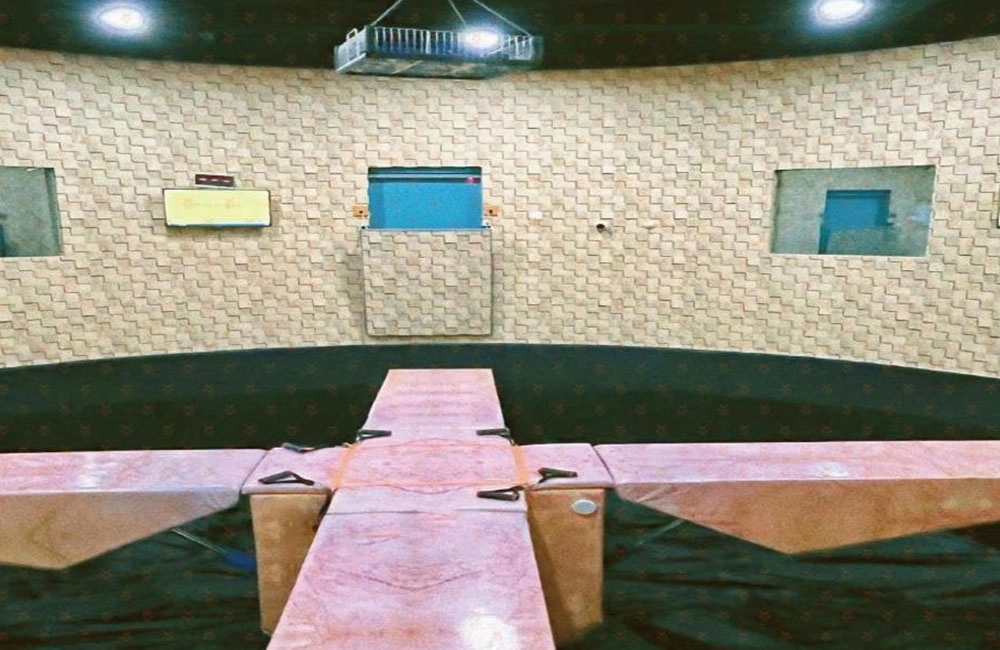
X secret room
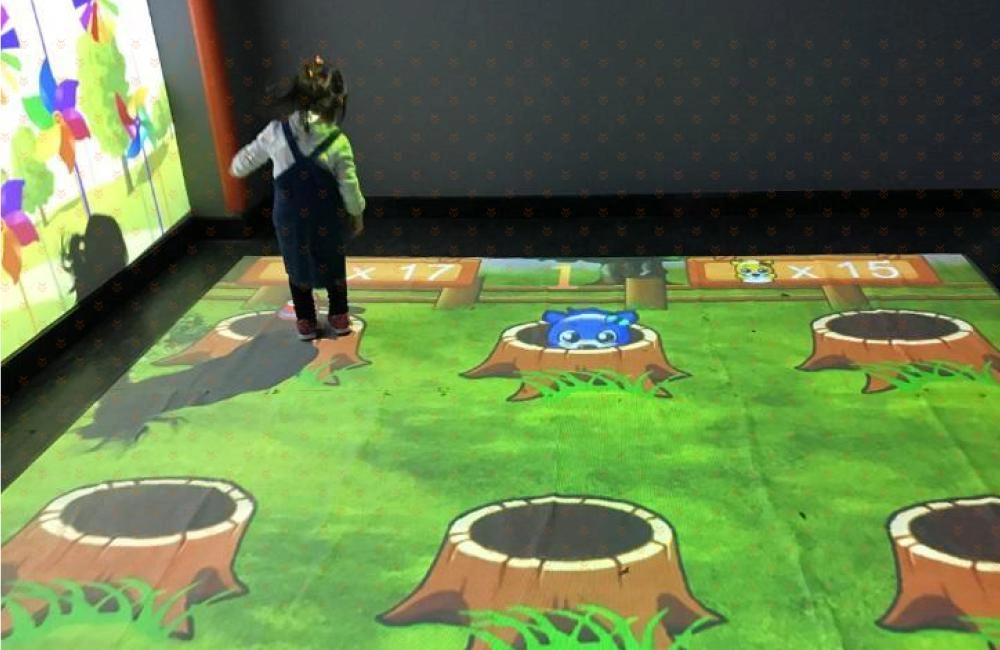
AR floor interactive game
AR floor interactive game uses a projector to project game images on the ground, and uses motion capture technology to achieve real-time interaction between people and dynamic images on the ground. When children walk through the interactive area, various interactive effects will change accordingly with your footsteps, creating unexpected light and shadow effects.
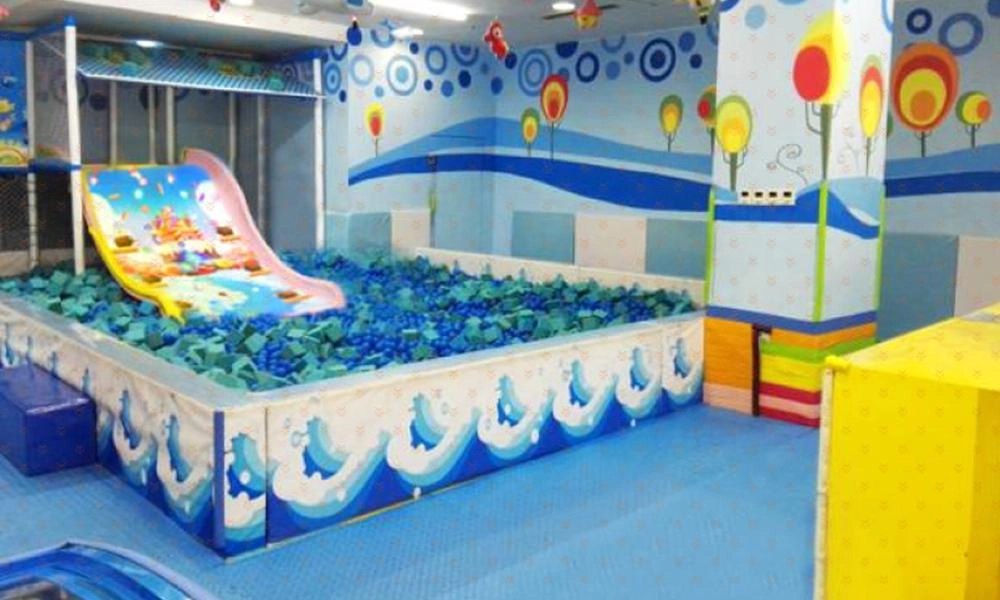
AR Interactive Slide
The colorful slide game uses interactive projection technology to project the picture on the slide. When the child's body comes into contact with the picture on the slide, various gorgeous interactive effects and dynamic and lifelike audio special effects will appear on the picture, making the entire process of sliding on the slide more enjoyable. Full of magical colors! The innovative multiplayer interactive gameplay and colorful game graphics add infinite cool and dynamic charm to the traditional slide.
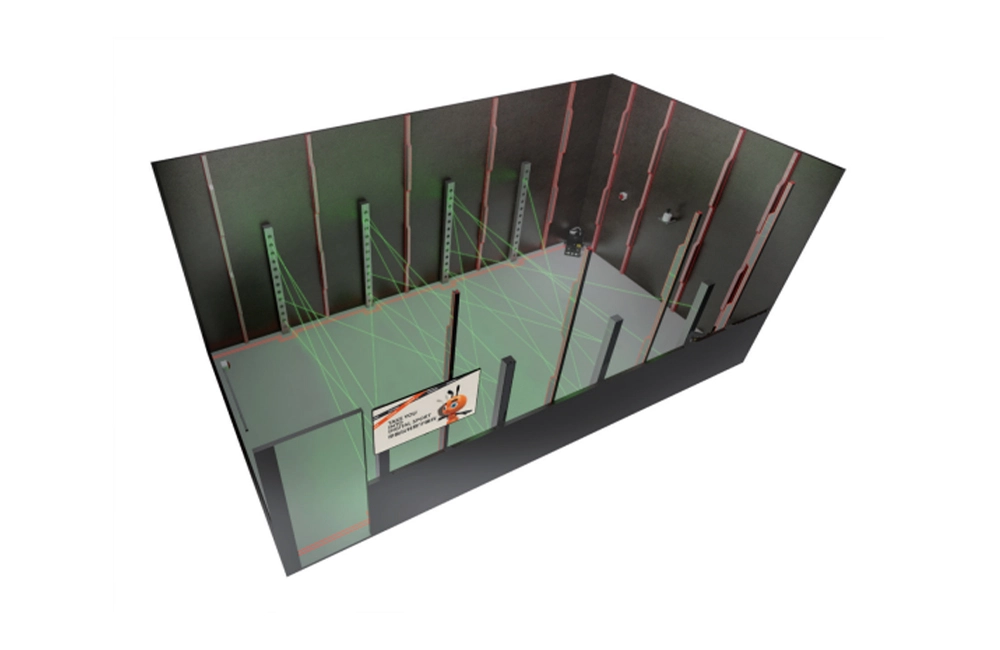
Laser Maze Laser Game Room
AR Rock Climbing
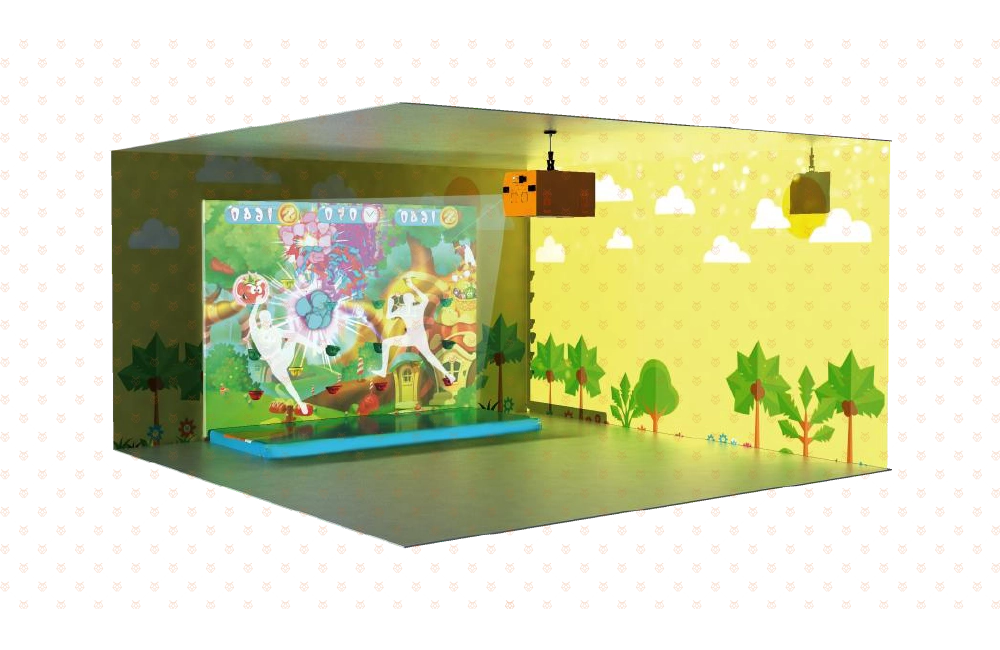
This game is an interactive rock climbing game that uses a projector to project the game on the climbing wall, and combines motion capture technology and AR augmented reality technology to achieve entertainment, puzzle, interaction and fitness. When children are rock climbing, they can also participate in a variety of educational interactive games, which not only exercise their physical coordination ability using both hands and feet, but also cultivate their spirit of not being afraid of hardships and obstacles and having the courage to challenge!
Indoor Baseball Simulator
Spinning Bike Simulator
Eye OF The Devil Digital Interactive Game
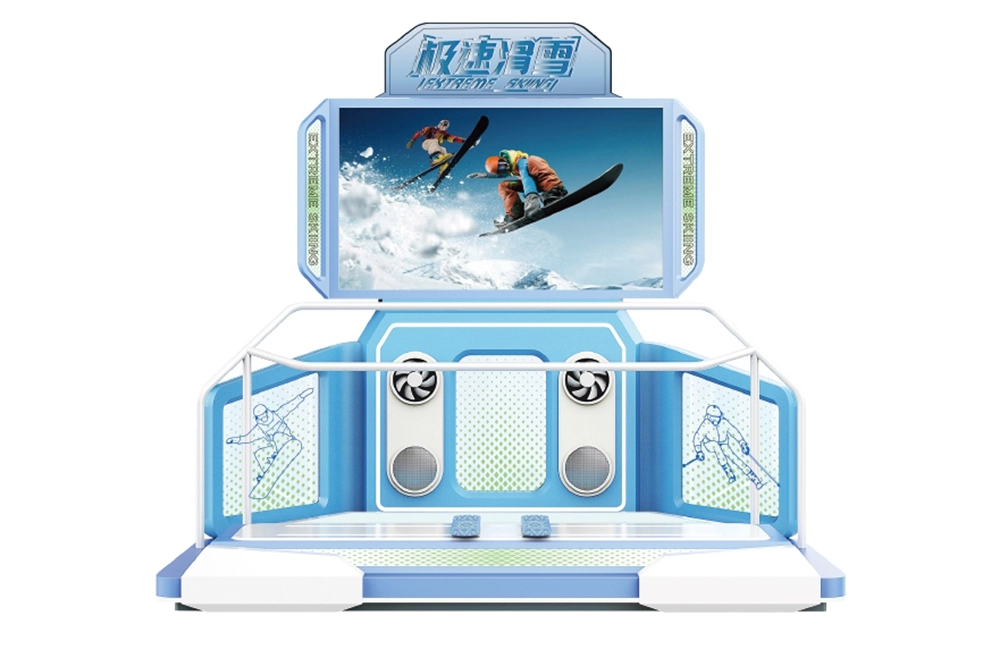
Skiing Board Simulator
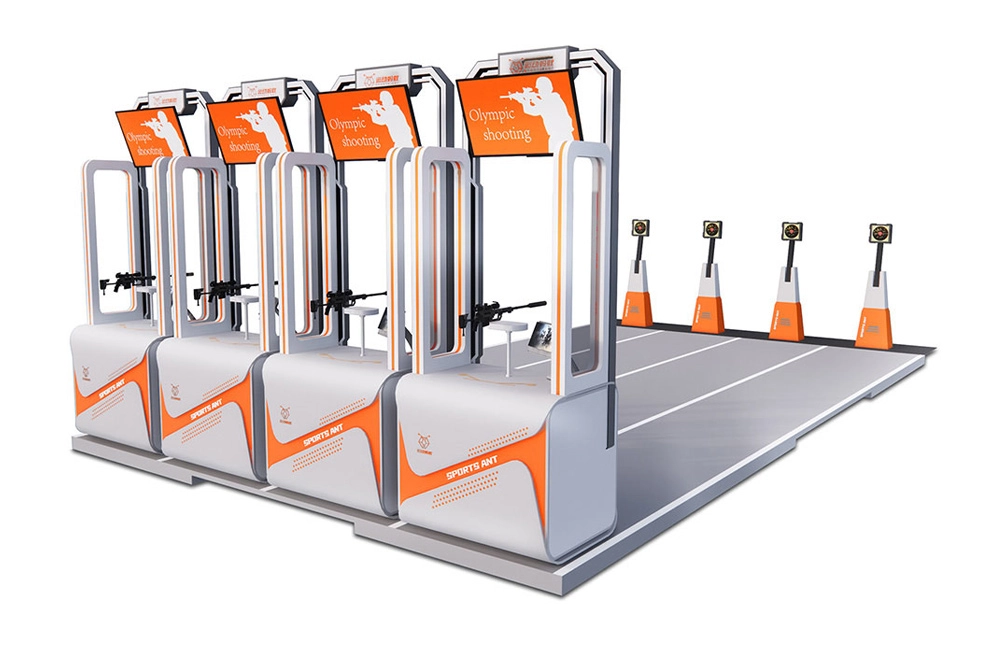
Laser Gun Olympic Shooting

Laser game room

AR Magic Music Wall
Magic Wall is a product that combines real-life sketches and AR interaction. Just tap or slide on the corresponding simple drawing, and the simple drawing will instantly appear with cool and wonderful animation effects and sound effects. Ordinary simple drawings present amazing and wonderful effects through children's physical interaction, allowing them to experience the creativity brought by technology.
SPORTS ANT is a digital sports equipment enterprise that integrates the research and development, production, sales, and service of commercial digital sports and entertainment equipment. And implement the planning, design, construction, operation, and investment of the digital sports hall. More about us >>
© 2024 SPORTS ANT ALL RIGHTS RESERVED
bigantmeta
sportsantmeta
sportsantmeta
bigantmeta
Whatsapp: +8618028525450