
how to make interactive led floor | SPORTS ANT Guide
Constructing interactive LED floors for digital sports equipment requires careful planning and selection of high-quality components, including LED tiles, a robust control system, input devices (pressure sensors or cameras), and user-friendly software. This guide provides a step-by-step approach to building your own, addressing crucial aspects like design, installation, integration, and troubleshooting.
How to Make an Interactive LED Floor for Digital Sports Equipment
Creating a captivating and functional interactive LED floor for your digital sports applications can be challenging. This article addresses common hurdles and provides a straightforward guide to building a high-quality interactive LED floor, perfect for enhancing your sports training and entertainment systems.
Understanding the Components
An interactive LED floor hinges on several key components:
* LED Tiles: These are the foundation. Choose high-quality tiles with appropriate brightness, pixel pitch (for resolution), and durability to withstand foot traffic. Consider factors like refresh rate to avoid flickering. Different tile sizes and configurations offer flexibility depending on your project needs.
* Control System: This is the brain of the operation. A robust control system handles data processing, image rendering, and communication between the LED tiles and input devices. Powerful processors and efficient software are crucial.
* Input Devices: This encompasses how users interact. Options include pressure sensors embedded within the floor, cameras for motion capture, or even a combination of both for enhanced responsiveness and data acquisition. The choice depends on the specific application and budget.
* Software: Specialized software is needed to create, manage, and display content on the LED floor. This software needs to be versatile enough to handle various interactive elements and real-time data integration. Look for software with intuitive interfaces for easier content creation and management.
Building Your Interactive LED Floor: A Step-by-Step Guide
1. Planning and Design: Define the dimensions, resolution, and interactive features of your LED floor. Create detailed plans, considering power requirements, cabling, and mounting solutions.
2. Tile Selection and Layout: Choose LED tiles that meet your requirements for brightness, resolution, and durability. Plan the layout carefully, ensuring a seamless connection between tiles.
3. Installation of LED Tiles: This is a crucial step requiring precision and attention to detail. Correctly connecting the tiles and ensuring their even surface is vital for a smooth, functional floor.
4. Control System Integration: Connect the LED tiles to the control system, configuring the network and communication protocols. Thorough testing of the connections is essential.
5. Input Device Integration: Connect and calibrate your chosen input devices. This step often requires careful software configuration to ensure accurate and responsive interaction.
6. Software Setup and Content Creation: Install and configure the chosen software. Create the interactive content, ensuring it's optimized for the chosen resolution and hardware.
7. Testing and Calibration: Thoroughly test the entire system, calibrating input devices and fine-tuning the software for optimal performance.
Troubleshooting Common Issues
During the building process, you may encounter issues like uneven brightness, faulty connections, or unresponsive inputs. Careful planning and thorough testing minimize these problems. Refer to the manufacturer's specifications for your components for detailed troubleshooting guides.
how to simulate a rowing machine at home | SPORTS ANT Guide
Can VR boxing teach you how to fight? | SPORTS ANT Guide
Do you hit a real ball in a golf simulator? | SPORTS ANT Guide
How high of ceiling for golf simulator? | SPORTS ANT Guide
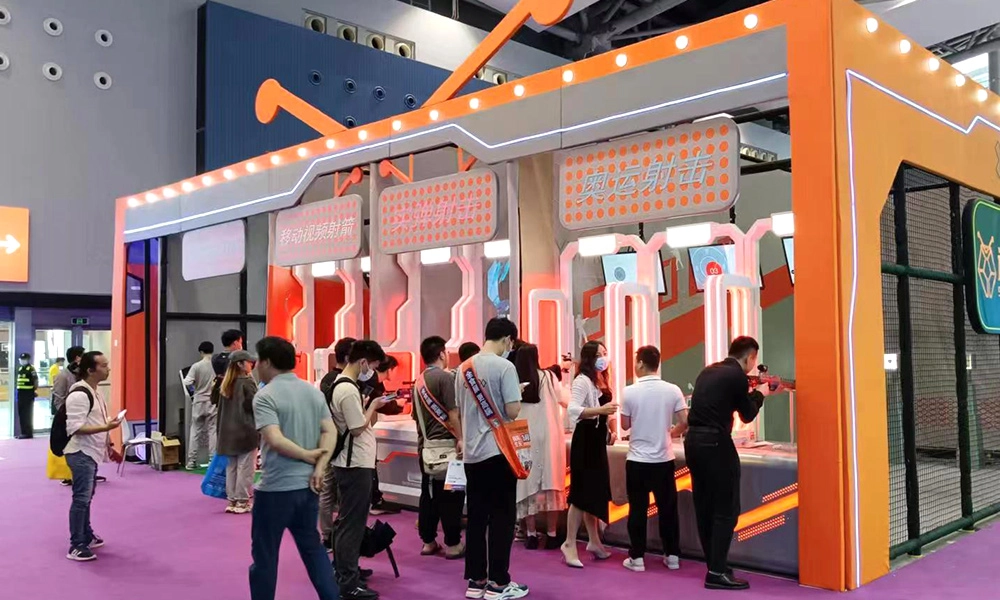
The 39th China International Amusement Facilities
How does laser maze work? | SPORTS ANT Guide
Leave a message
Connect with us to schedule a consultation, request samples, or arrange a site visit to see our facilities and capabilities firsthand.
Reach out to us via phone, email, or through the contact form below, and we'll get back to you promptly within 24 hours.
* Rest assured that your privacy is important to us, and all information provided will be handled with the utmost confidentiality.
You may also like
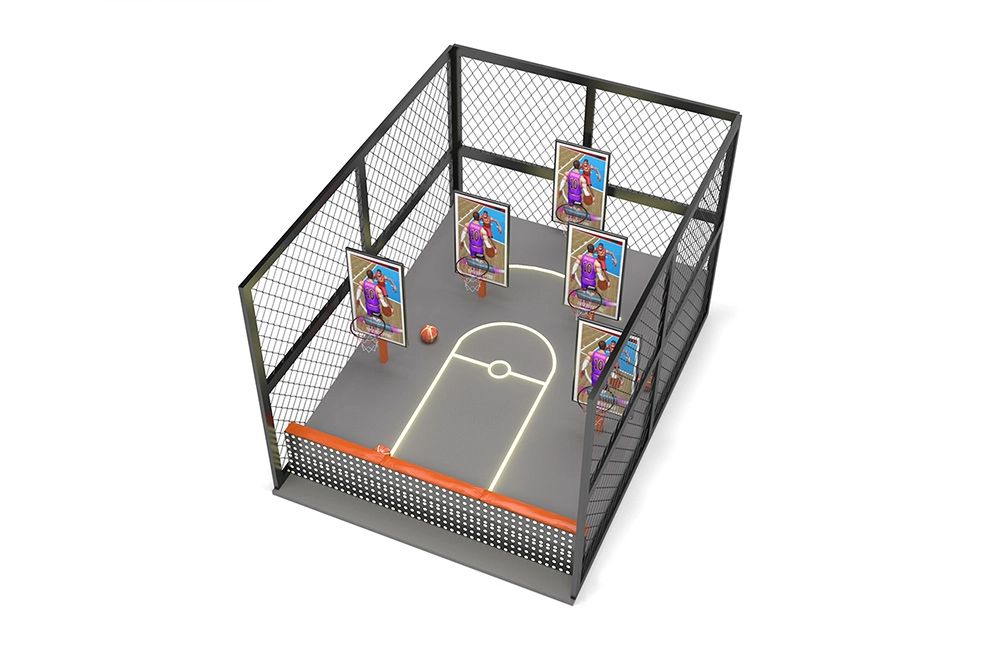
Five-Screen Video Basketball Games Machine
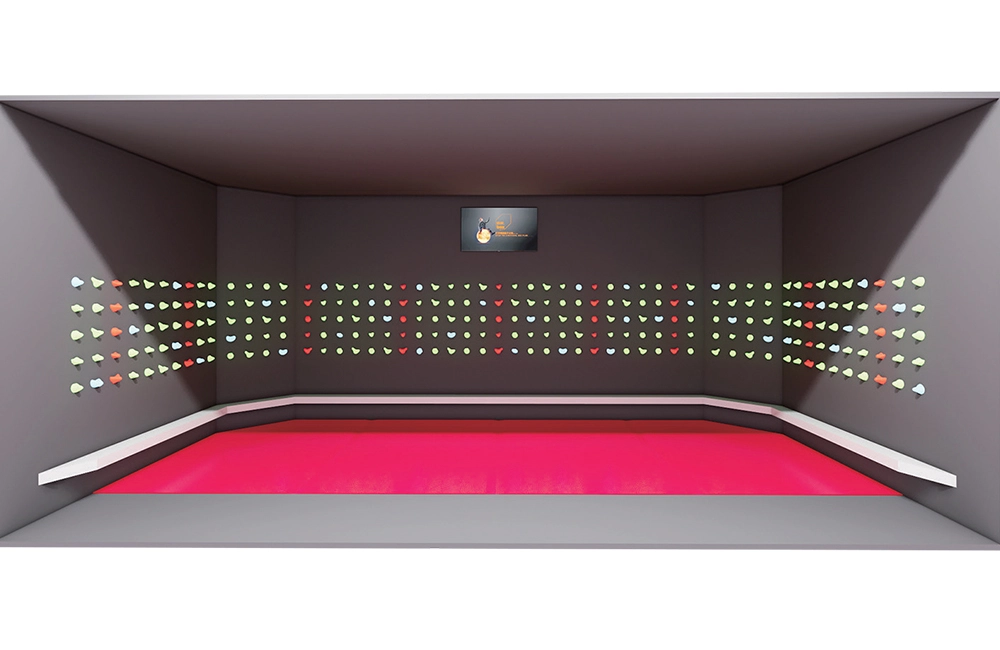
Indoor Interactive Rock Climbing
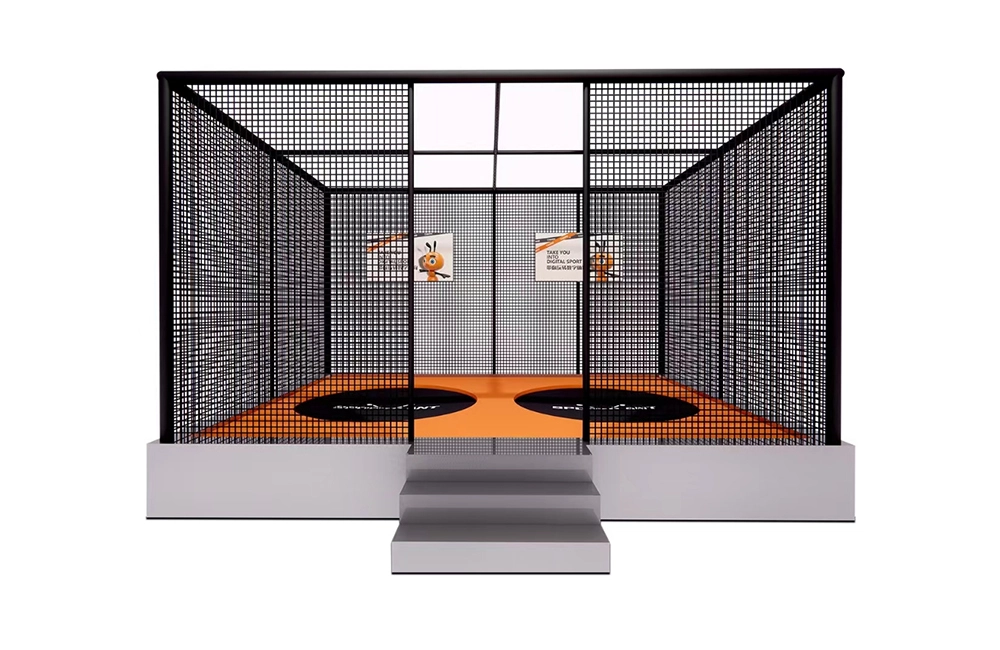
Indoor Interactive Trampoline (Upgraded Version)
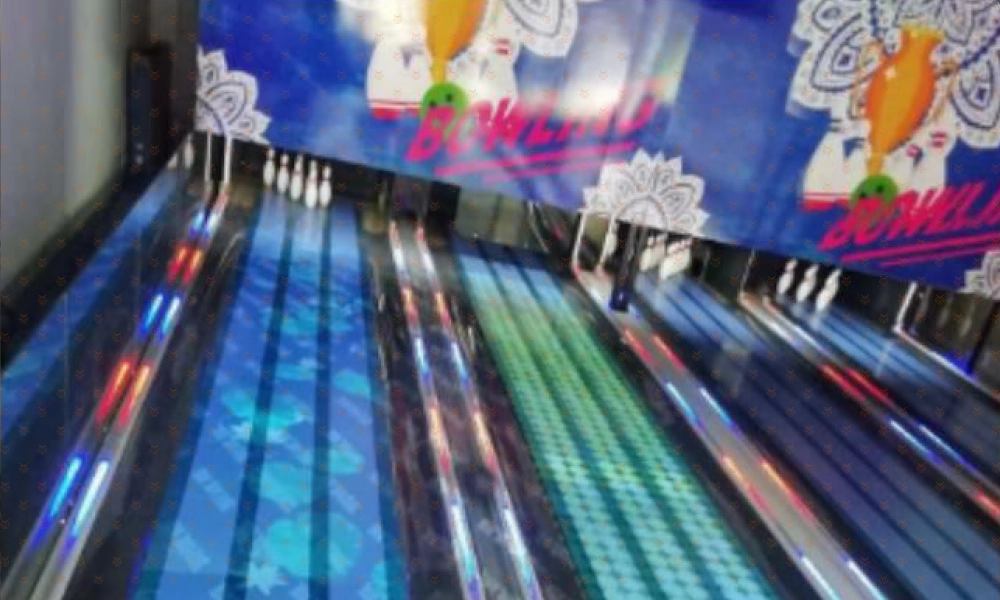
AR Interactive Bowling
Bowling projection uses a projector to project the game screen on the lane and uses dynamic capture technology to achieve real-time interaction between the bowling ball and the lane dynamic screen. When the bowling ball rolls through the interactive area, various interactive effects will change accordingly with the bowling ball, creating unexpected light and shadow effects.
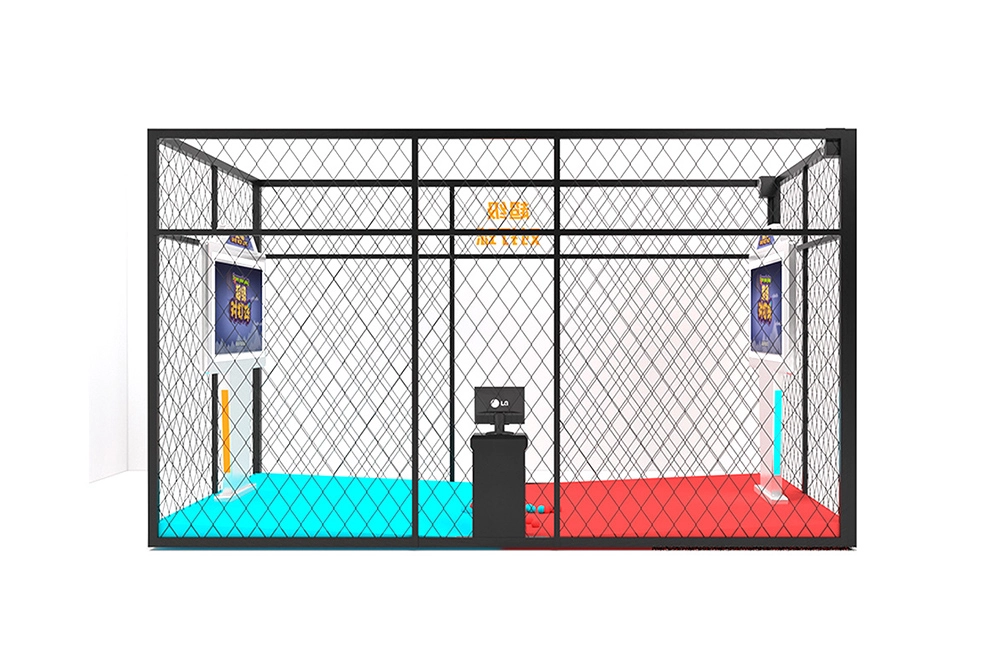
Multi-Player Smash Ball Game Machine

AR Magic Music Wall
Magic Wall is a product that combines real-life sketches and AR interaction. Just tap or slide on the corresponding simple drawing, and the simple drawing will instantly appear with cool and wonderful animation effects and sound effects. Ordinary simple drawings present amazing and wonderful effects through children's physical interaction, allowing them to experience the creativity brought by technology.
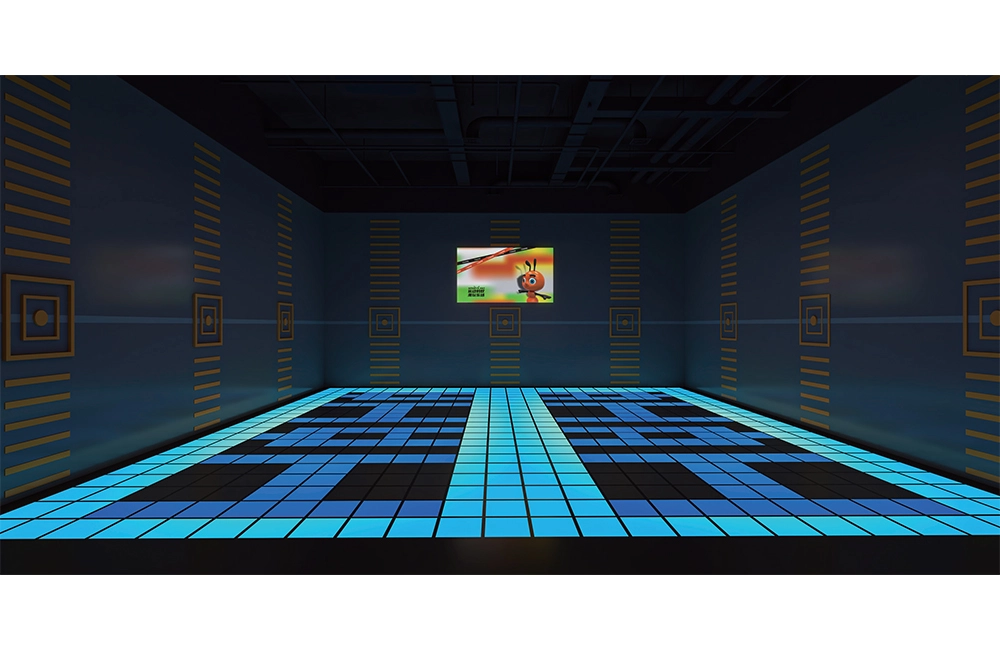
Led Floor Game
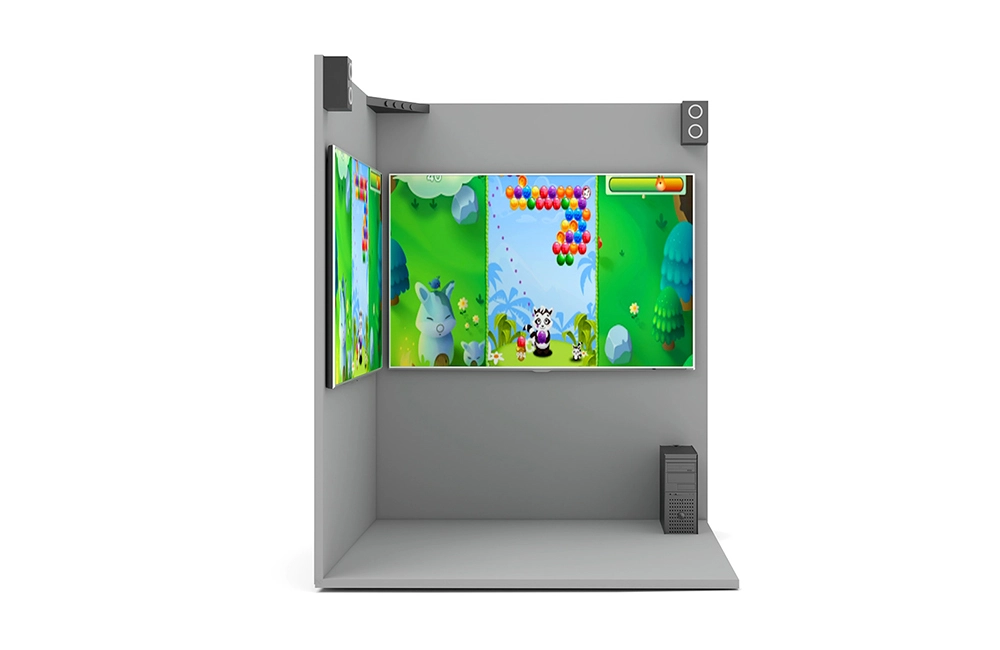
Escape Challenge Room
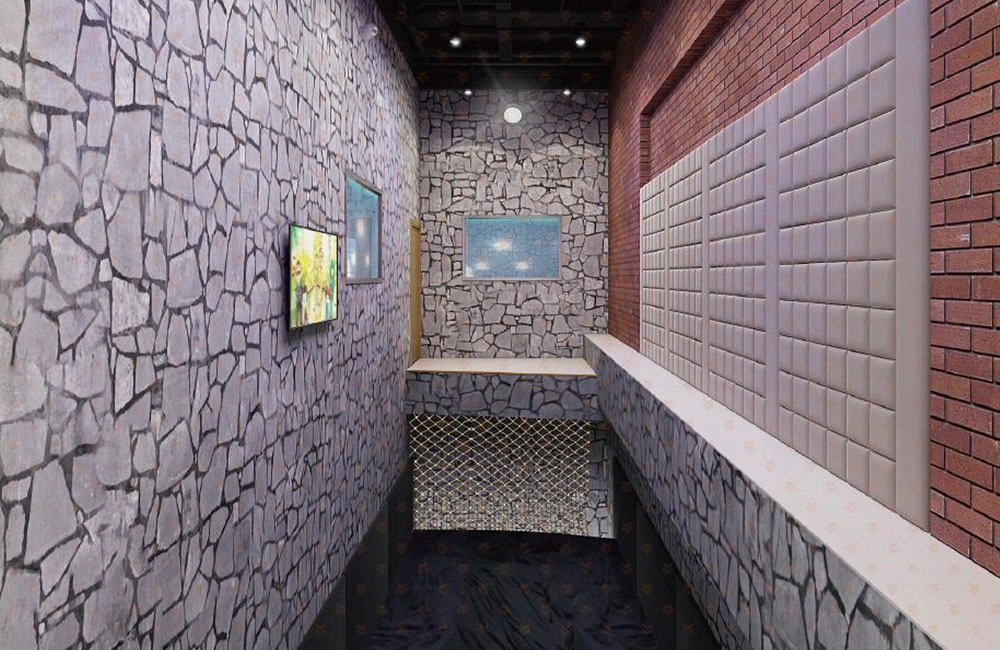
Stand to the end
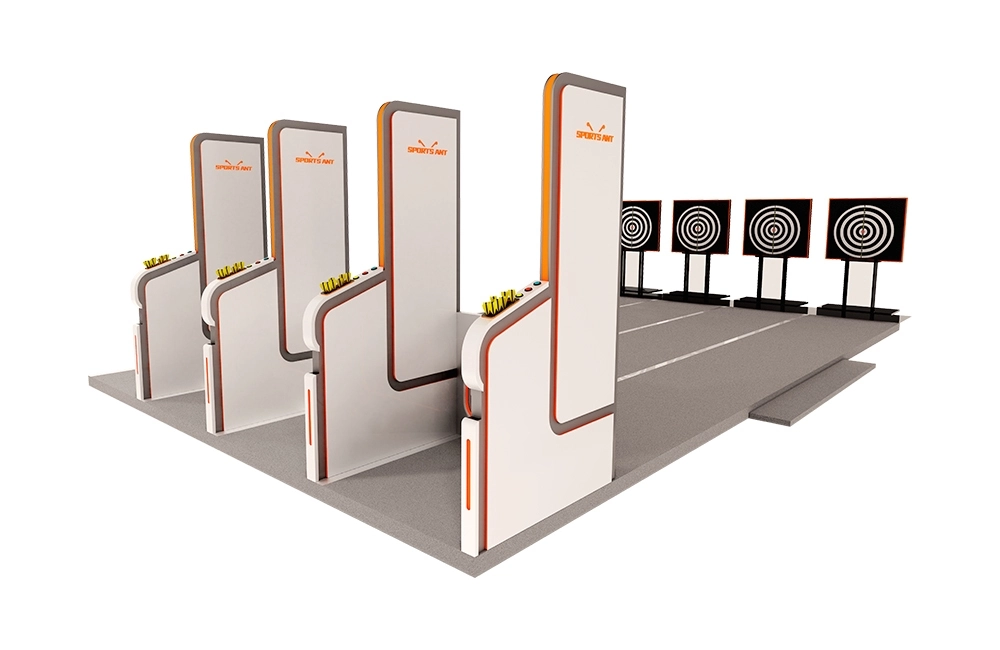
Moveable Target Archery
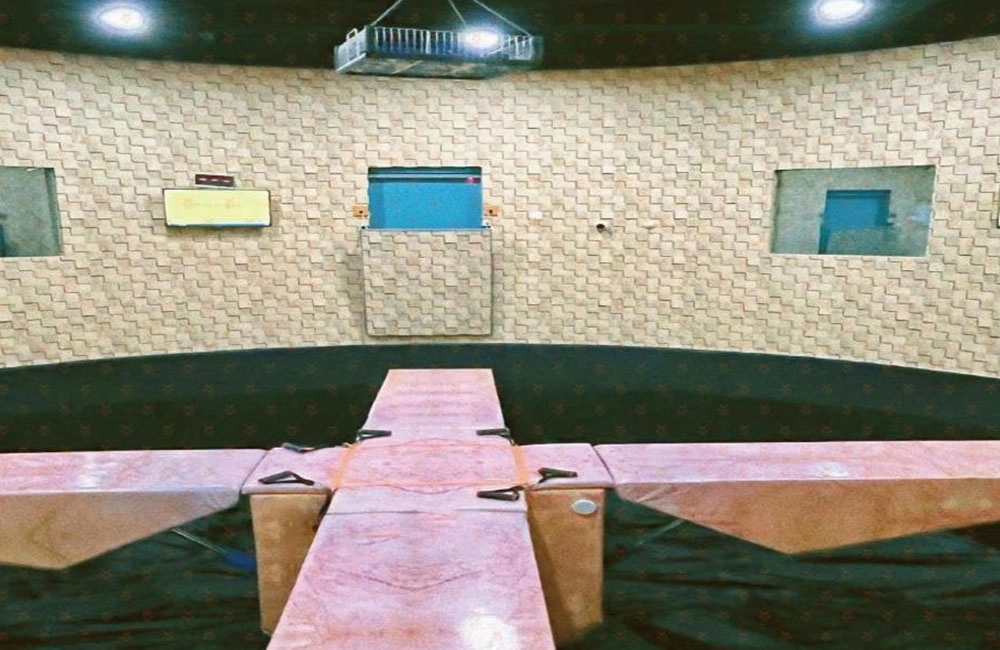
X secret room
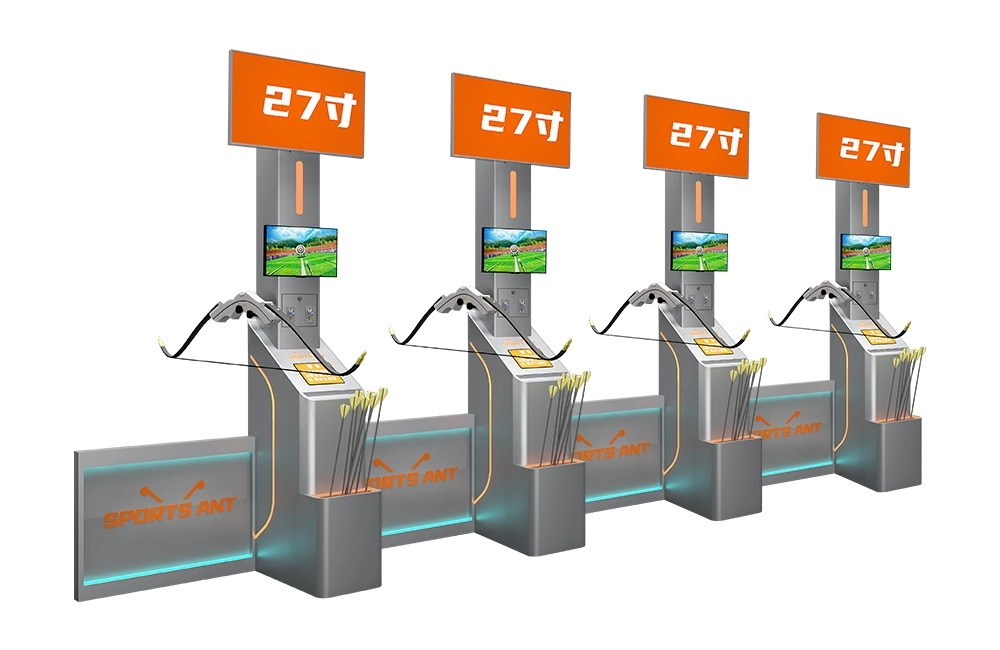
Moveable Target Archery (Upgraded Version)
SPORTS ANT is a digital sports equipment enterprise that integrates the research and development, production, sales, and service of commercial digital sports and entertainment equipment. And implement the planning, design, construction, operation, and investment of the digital sports hall. More about us >>
© 2024 SPORTS ANT ALL RIGHTS RESERVED
bigantmeta
sportsantmeta
sportsantmeta
bigantmeta
Whatsapp: +8618028525450